
When a UK split ignores its remote, start with batteries, polarity, and a clear line from the handset to the indoor receiver. Curtains, a TV, and a high shelf all block infrared. Some remotes have a lock. An app can also hold a mode the handset then seems to lose. You can change batteries, point the handset properly, and try one known button such as on/off. If the unit ignores the handset, the app and any wired controller, stop. Do not open the indoor electrical box to hunt the receiver board.
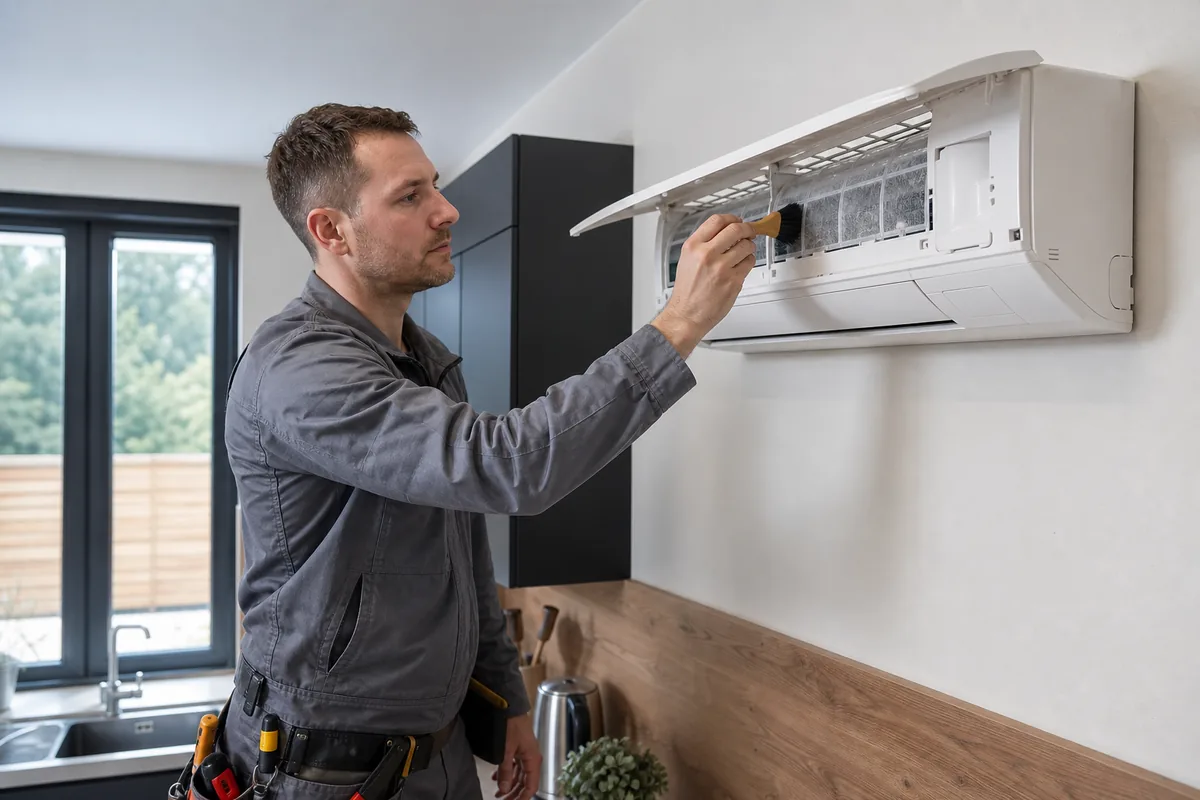
Flat cells, a blocked window, and two controllers arguing
Infrared remotes fail flat batteries first, including new cells put in backwards. Replace both, even if a screen on the handset still glows. A dim handset screen can still be too weak for the indoor receiver across a living room. Point at the indoor unit, not at the outdoor condenser, and stand closer than you think. The receiver is a small dark window on the fascia, often under the logo or beside the display. UK winter windowsills and conservatories kill cheap cells. If the handset lives in a cold porch, bring it indoors before you decide the unit is dead. Phone cameras sometimes show the infrared LED flickering when you press a button. That only proves the handset is transmitting. It does not prove the indoor unit is listening.
Many handsets have a lock that ignores every key except unlock. The symbol is in that model's manual, not a universal button. Do not cycle every combination from a different brand. If you use an app as well, the app may have set fan-only, a schedule, or a temperature the handset then appears to fight. Pick one controller. Turn schedules off for the test. A wall controller in a hallway, common on small commercial splits and some multi-splits, can be set as the master. The bedroom handset then does nothing useful. Ask whoever installed it which controller wins. Do not pull cables out of the wall controller to force the handset to work. Codes differ by brand and series. A universal handset that starts the wrong mode can heat when you wanted cooling. Use the original or a like-for-like remote for that model.
The app talks to a Wi-Fi module. The handset uses infrared. One path can fail while the other works. If the app works, the compressor and fan are probably fine and the handset or receiver is the issue. Note whether batteries were replaced, whether a schedule is on, and whether a wired controller exists.
When the handset is fine and the unit has no power
If fresh batteries, a clear line of sight and an unlocked handset still do nothing, try the app only if the unit already has working Wi-Fi. If both fail, look at the indoor display. A blank unit with no fan is a power problem, not a handset problem. Check the rotary isolator position without opening it. HSE electricity guidance is to leave that enclosure shut. Wait several minutes after any power cut. A single power cycle at the isolator, after you have tried batteries, is reasonable. Do not keep tripping the breaker as a reset method, and do not open the consumer unit if you are not competent to do so.
Stop if the display flashes a pattern you cannot match in that exact manual, if a breaker trips when the unit should start, or if there is a burning smell. An F-gas engineer can test the receiver and the board. GOV.UK certification is what that company needs if the visit goes near the refrigerant circuit. Do not buy a universal remote and do not swap indoor PCBs from an auction site. The refrigerant circuit stays closed.
Core buying guides
Start with these high-intent guides, then dig into the rest of the library.
Related guides
Sources and further reading
How this guide was prepared
This guide was written by the Local AC Installers Editorial Team. We compare official guidance, legislation and established consumer information, separate general information from project-specific advice, and show publication dates and sources. We do not accept installer accreditation claims at face value.