
A UK air conditioning app is an extra path to a Wi-Fi module. It is not the refrigeration system. If the infrared remote still changes mode and the room still cools or heats, start with the phone: updates, location permission, the correct manufacturer app, and an account that matches that module. Router and 2.4 GHz problems sit underneath many app failures. You should not open the indoor unit because a login failed. Stop and call an F-gas engineer if the app and the handset both fail to run the unit, if the unit behaves dangerously when the app sends a schedule, or if there is a burning smell or a leak. Do not open the gas circuit to fix an icon.
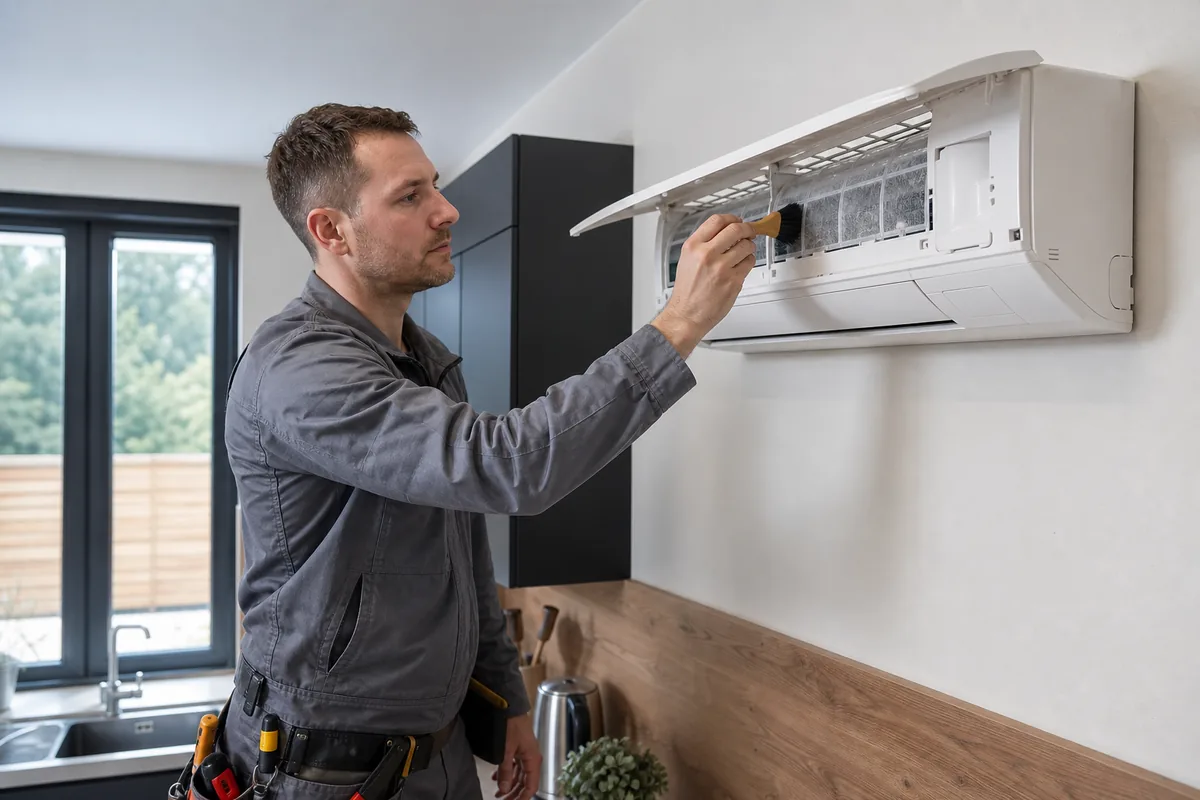
If the handset still cools, the phone is the problem
Point the remote at the indoor receiver and set cool or heat. If the louvre moves and the outdoor unit starts after its normal delay, the compressor, fan and refrigerant circuit are not the reason the phone is unhappy. Say that clearly when you ask for help. It stops a visit becoming a pointless gas check. Energy Saving Trust's air-to-air page is about that heat pump, which can be fine while the app is not. The app can say offline while the split is still running the last setting. Offline means the phone cannot see the module. If the handset does nothing either, check batteries, isolator and power. A blank dead unit needs the power checks, not a reinstall of software. Deleting the app resets the phone side. The unit keeps its last mode. Deleting the app does not clear a refrigerant fault and should not be used as a substitute for isolating a unit that smells of burning.
Each brand uses its own app. A generic IR phone blaster is not MelCloud, Daikin Onecta or the equivalent. Most manufacturer apps do not share a house of mixed brands. Use each brand's own app. Install the app named in that manual. Update it. Allow local network and location if the setup screen asks, which is common on current phones. Turn off a VPN for the setup hour. Log out and back in only after you know the password. Do not create a second account and add the unit twice if the first account still owns it. Remove obsolete schedules. A schedule that sets fan at 1am looks like a broken app in the morning. Delete schedules you do not recognise rather than fighting them with the handset every day. Do not include passwords when you describe the error text.
When the icon is no longer a login problem
If the module never appears, the phone is on proven 2.4 GHz beside the unit, and the right app is installed, the interface may have failed or may never have been fitted. That replacement is an isolator-off job inside the indoor electrics. Book a company that handles that brand and is certified for F-gas work. GOV.UK certification is that standard. HSE electricity guidance is why you do not open the indoor electrical cover because a login failed.
Stop using the app if a schedule is icing the coil, short cycling the compressor all night, or switching heat on in a heatwave against your will. Use the handset, remove the schedule once you have access, and if you cannot, isolate the unit only if the behaviour is unsafe. Do not flash unofficial firmware. Do not bridge the module pins. If the app and the handset both fail, or there is a burning smell or a leak, that is no longer software. Say whether cooling still works from the handset.
Frequently asked questions
The app says offline. Has the unit stopped cooling?
Not necessarily. Check the room and the infrared remote. Offline means the phone cannot see the module. The split may be running the last setting normally.
Can I control two brands in one app?
Only if that app truly supports both, which most manufacturer apps do not. Use each brand's own app. Do not expect a single login to speak to a mixed house.
Will deleting the app reset the air conditioner?
It resets the phone side. The unit keeps its last mode. Deleting the app does not clear a refrigerant fault and should not be used as a substitute for isolating a unit that smells of burning.
Core buying guides
Start with these high-intent guides, then dig into the rest of the library.
Related guides
Sources and further reading
How this guide was prepared
This guide was written by the Local AC Installers Editorial Team. We compare official guidance, legislation and established consumer information, separate general information from project-specific advice, and show publication dates and sources. We do not accept installer accreditation claims at face value.