
MelCloud is Mitsubishi Electric's remote service. It needs a compatible indoor unit with Wi-Fi built in or a Mitsubishi Wi-Fi interface fitted, plus a MelCloud account and a 2.4 GHz network. It will not control Daikin, Samsung or a Mitsubishi heavy industrial unit on a different control system. If the infrared remote still runs your MSZ wall unit, the heat pump is not the thing that has failed. Separate 2.4 GHz on the router, restart the router, and retry setup once beside the indoor unit. Do not open the electrical cover, do not fit a third-party dongle, and do not open the refrigerant circuit. If the interface is missing or dead, a Mitsubishi-competent F-gas engineer should fit or replace it.
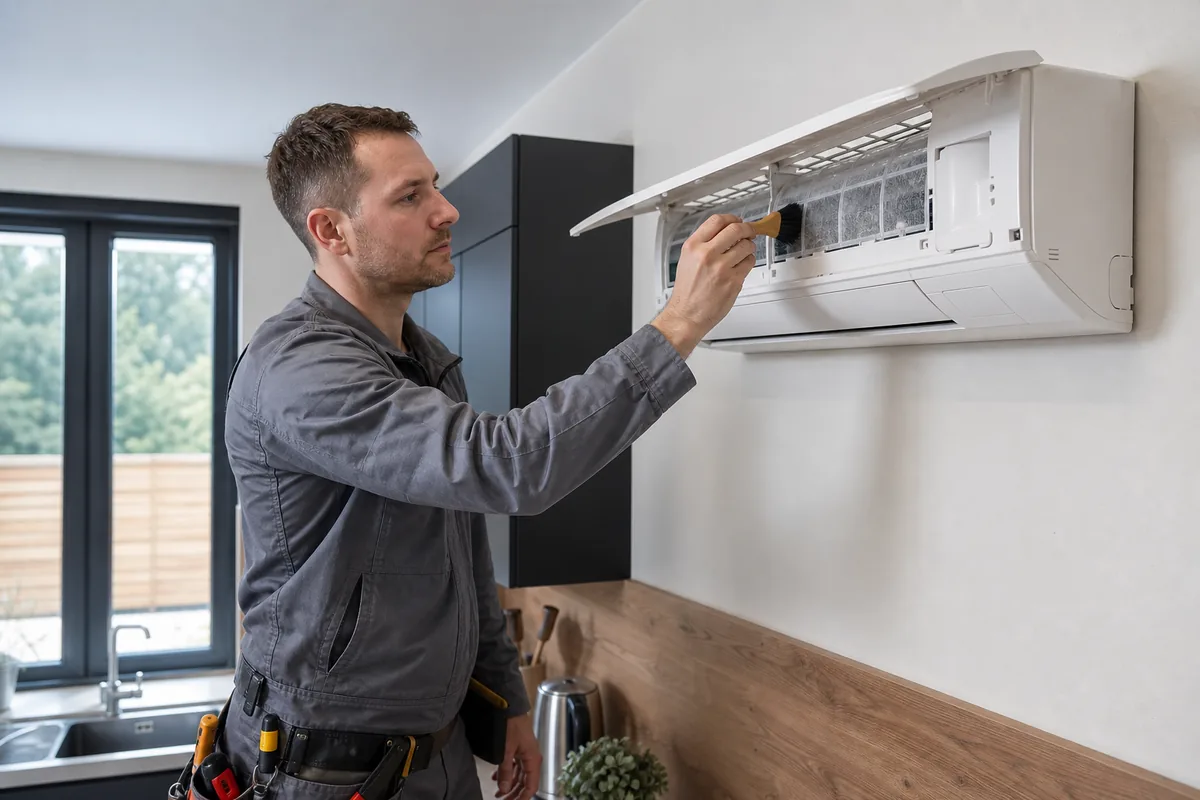
MelCloud talks to a Mitsubishi Electric interface, or to nothing
The phone app and the browser login at MelCloud talk to Mitsubishi Electric's service, which talks to an interface on that indoor unit. No interface, no MelCloud. Some M Series indoors ship with Wi-Fi. Others need an adapter specified at install and registered to your email. A house with two indoors may have the adapter on one room only. The second room will never appear. Check the paperwork from the install. If nobody registered an interface, the app cannot invent one. Use the handheld remote for cooling and heating in the meantime. Energy Saving Trust describes the heat pump. MelCloud is only the control layer on top. It will not control Daikin, Samsung or a Mitsubishi heavy industrial unit on a different control system.
Often you can add MelCloud later if Mitsubishi Electric lists a Wi-Fi interface for that indoor model. It is a parts and labour job inside the unit, not an app-only upgrade. Ask an F-gas company that installs Mitsubishi Electric. Do not assume every MSZ generation uses the same adapter. Do not order a random wireless card. Give the 2.4 GHz band its own name. Phones in the same room as the wall unit should join that name during setup. Guest Wi-Fi with client isolation, a VPN, and a mesh that forces 5 GHz are the usual British failures. The interface does not use your mobile data. After a power cut, bring the router up fully before you judge MelCloud. The wall unit may cool from the remote while the cloud icon is still offline. Do not send the Wi-Fi password or the MelCloud password in a message. Do not share login codes.
Remote still works. Cloud icon is a separate question
If the correct network is available, the account is valid, and the unit never enters pairing, the interface may be unplugged, failed, or absent. Fitting it means isolating supply and opening the electrical section. That is work for a company used to Mitsubishi Electric splits and certified for F-gas equipment. GOV.UK certification is that company standard. Do not open the electrical cover yourself.
If MelCloud is online but the unit will not heat or cool, stop treating it as a software fault. Use the remote. The cloud link is not required for ordinary cooling and heating if the unit itself is healthy. If the remote also fails, check the isolator and then book an F-gas engineer for the machine itself. Do not keep sending setpoints from the app to a unit that is icing, tripping, or smelling of burning. Isolate if there is a burning smell. You may be on a guest login, a second property, or a unit that another account still owns if you can see the unit but not change it. Confirm the account with whoever registered the install. If the outdoor unit is also in a fault state, stop sending commands. Say MelCloud, the indoor model, and whether the handheld remote still operates the unit. Do not include passwords.
Frequently asked questions
Can I add MelCloud later to an older Mitsubishi wall unit?
Often yes, if Mitsubishi Electric lists a Wi-Fi interface for that indoor model. It is a parts and labour job inside the unit, not an app-only upgrade. Ask an F-gas company that installs Mitsubishi Electric. Do not assume every MSZ generation uses the same adapter.
MelCloud is offline. Will the unit still run?
Yes, from the infrared remote, if the unit itself is healthy. The cloud link is not required for ordinary cooling and heating.
Why can I see the unit in the app but not change it?
You may be on a guest login, a second property, or a unit that another account still owns. Confirm the account with whoever registered the install. If the outdoor unit is also in a fault state, stop sending commands and book an engineer.
Will MelCloud run a Daikin or a Samsung split?
No. MelCloud will not control Daikin, Samsung, or a Mitsubishi heavy industrial unit on a different control system. It needs a compatible Mitsubishi Electric indoor unit with Wi-Fi built in or a Mitsubishi Wi-Fi interface fitted.
One room appears and the other never does. Is the app broken?
A house with two indoors may have the adapter on one room only. The second room will never appear until that indoor has its own compatible interface. Check the install paperwork before you keep retrying the wizard.
The app is online but the room will not cool. Should I keep sending setpoints?
No. If MelCloud is online but the unit will not heat or cool, use the infrared remote. If the remote also fails, check the isolator and book an F-gas engineer. Do not keep sending setpoints to a unit that is icing, tripping, or smelling of burning. Isolate if there is a burning smell.
Core buying guides
Start with these high-intent guides, then dig into the rest of the library.
Related guides
Sources and further reading
How this guide was prepared
This guide was written by the Local AC Installers Editorial Team. We compare official guidance, legislation and established consumer information, separate general information from project-specific advice, and show publication dates and sources. We do not accept installer accreditation claims at face value.