
Server room hot spots are often an airflow problem before they are a capacity problem. Cool supply air must reach equipment inlets, and hot exhaust must return to the cooling plant without mixing unnecessarily. Blank unused rack space, control cable openings, arrange racks into coherent hot and cold paths, and only then decide whether aisle containment or extra cooling capacity is justified. Verify every change with measured inlet temperatures.
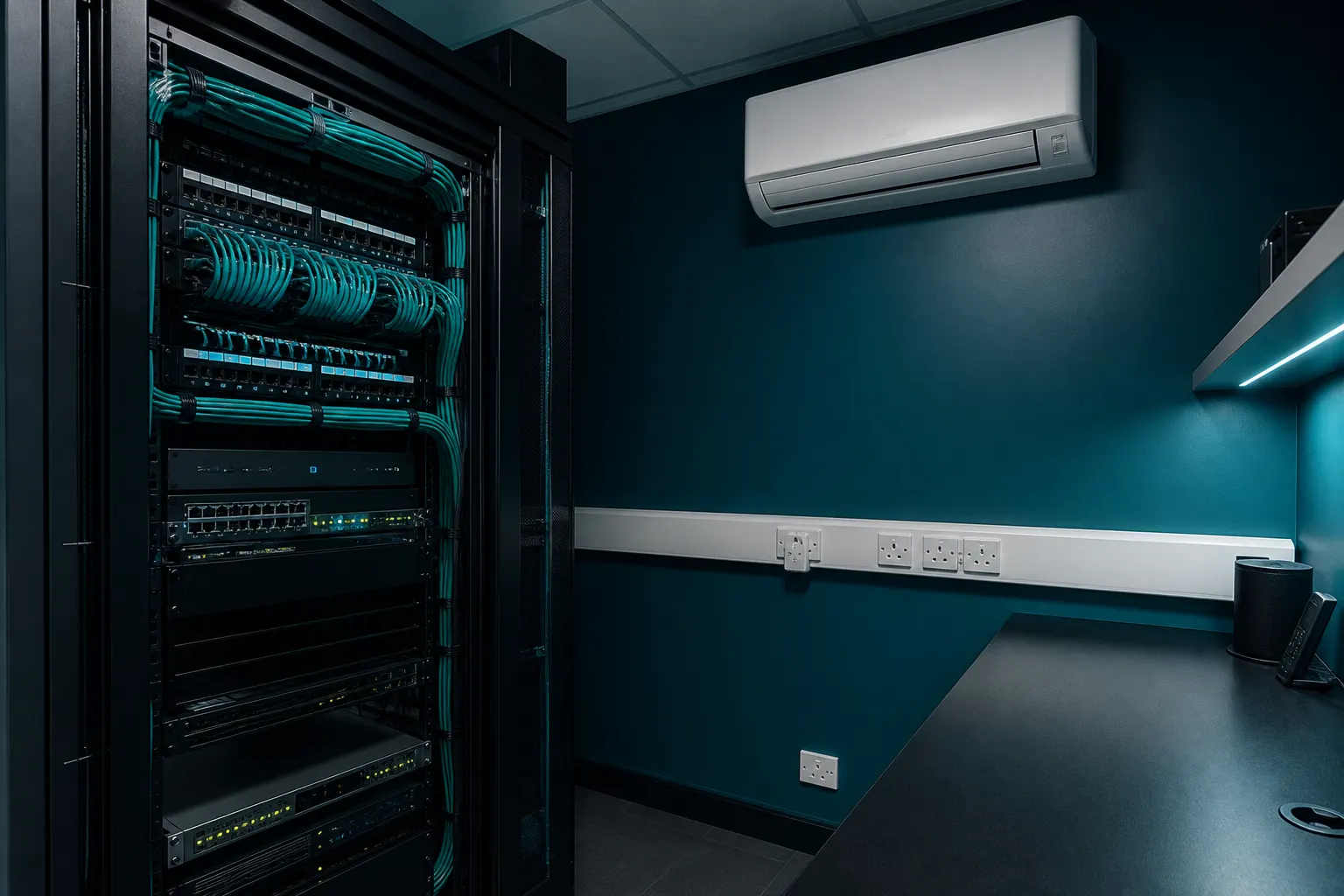
Find the real inlet conditions
A comfortable average room temperature can hide dangerously warm air at the top of a rack. ASHRAE datacom guidance emphasises equipment intake conditions rather than a single space thermostat. Map temperatures at several rack heights during peak IT load.
Compare readings with cooling-unit supply and return temperatures. Large differences between neighbouring racks usually indicate recirculation, bypass or blockage rather than a uniform shortage of plant capacity.
- Log inlet temperatures under representative busy periods.
- Note perforated tiles, grilles or wall units that short-circuit to returns.
- Photograph cable bulkheads and missing blanking panels.
- Record changes whenever racks or switches are added.
Fix bypass and recirculation first
Missing blanking panels allow hot exhaust to spill into the cold path. Oversized floor openings, unsealed cable cut-outs and gaps under cabinets have the same effect. These are often cheaper to correct than adding another cooling unit.
Dress cables so they do not form a dense blockage at the rear of servers. Shelving, cardboard storage and spare equipment in the cold aisle undermine designed airflow and should be removed from the critical air path.
Use hot and cold aisle principles at the right scale
Facing equipment intakes into a shared cold aisle and exhausts into a hot aisle reduces mixing when the room geometry allows it. In very small rooms a full aisle strategy may be limited, but the same idea still applies: keep supply air aimed at intakes and give hot air a clear return route.
Containment can further separate streams in denser rooms. Physical barriers must allow safe access, fire strategy compliance and maintenance. Poorly sealed containment with uncontrolled leakage can create new hot spots while looking tidy.
Retune cooling after airflow improvements
Better separation often allows higher return temperatures and more stable inlet conditions without overcooling the whole room. Revisit set points, fan speeds and alarm thresholds after blanking or containment work.
Do not assume that adding cooling capacity will cure mixing problems. Extra airflow into a poorly organised room can increase bypass. Capacity upgrades should follow a documented airflow review and heat-load calculation.
Frequently asked questions
Why do top-of-rack switches run hot when the room feels cool?
Warm exhaust often rises and recirculates at the top of racks. Inlet sensors at multiple heights usually reveal the problem more clearly than a wall thermostat.
Are blanking panels optional?
In rack environments they are a basic airflow control. Leaving large open U spaces commonly invites recirculation and hot spots.
Does containment replace the need for enough cooling capacity?
No. Containment improves delivery of cooled air and separation of heat, but the plant must still remove the IT heat load with the required resilience.
Should every small UK server room install full aisle containment?
Not automatically. Proportionate blanking, sealing and layout discipline often deliver most of the benefit in smaller rooms. Containment is more relevant as density and aisle length increase.
Core buying guides
Start with these high-intent guides, then dig into the rest of the library.
Related guides
Sources and further reading
How this guide was prepared
This guide was written by the Local AC Installers Editorial Team. We compare official guidance, legislation and established consumer information, separate general information from project-specific advice, and show publication dates and sources. We do not accept installer accreditation claims at face value.