
Server room monitoring should track conditions at equipment inlets and other critical points, not only one wall thermostat. Set alarm thresholds from IT environmental limits, test remote notifications, and define who acts when cooling, power or humidity drifts outside the agreed band.
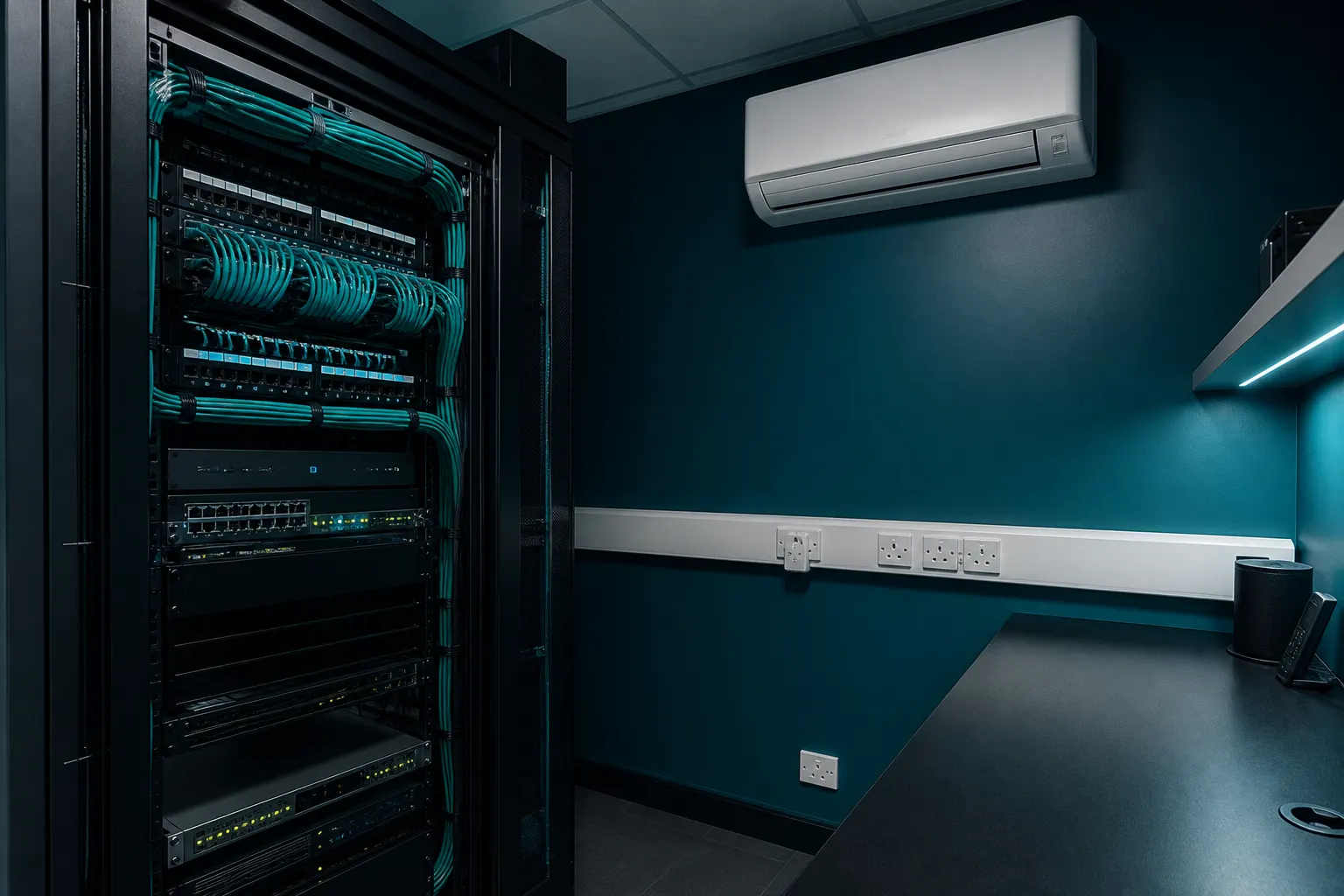
Monitor the air that enters the equipment
A single room sensor can miss hot spots caused by recirculation, blocked perforated tiles, dense cable bundles or uneven rack loading. Place sensors where cooled air enters critical servers and network equipment, and consider several heights in taller racks.
Humidity and rate of change also matter. Rapid temperature rise after a cooling failure can be more damaging than a modest steady-state increase. Trend data helps distinguish a real developing fault from a brief local disturbance.
- Map inlet temperatures on representative busy days.
- Record outdoor conditions alongside indoor trends where useful.
- Include UPS rooms and network closets if they share risk.
- Keep a simple diagram of sensor locations with the asset register.
Choose thresholds that trigger action
Alarm set points should reflect manufacturer environmental requirements and the organisation's risk tolerance, not an arbitrarily low comfort value. Warning and critical levels help staff respond before equipment approaches hard limits.
False alarms erode trust. Avoid placing sensors in the direct path of cold discharge air or next to concentrated exhaust. Commission thresholds after the room is loaded, then review them when racks are added or cooling plant changes.
Make alarms reach people who can respond
Local buzzers alone are insufficient for unmanned rooms. Configure remote alerts by email, SMS, building management system or monitoring platform, and verify delivery after power, network or cooling events.
Escalation contacts should cover out-of-hours periods. The response plan should say who investigates, who can adjust set points, who can shut down non-critical loads and when temporary cooling or call-out is authorised.
Integrate monitoring with maintenance and change control
Rising baseline inlet temperatures, more frequent compressor cycling or repeated condensate alarms can signal declining performance before a hard failure. Review trends during planned maintenance.
IT moves and cable work can change airflow. Treat rack changes as cooling-change events: recheck sensor positions, blanking, containment and alarm behaviour after significant alterations.
Frequently asked questions
Is the cooling unit's built-in thermostat enough?
It may protect the unit, but it does not always represent rack inlet conditions. Independent sensors at equipment inlets give a clearer picture of IT risk.
What should trigger an urgent alarm?
Conditions approaching equipment limits, rapid temperature rise, cooling plant failure, power loss to cooling, or condensate overflow depending on the installation. Agree the list in writing.
Do humidity sensors matter in a small server cupboard?
Yes, where moisture risk, seasonal outdoor air or known condensation issues exist. Even small rooms can see humidity swings that affect corrosion risk or static behaviour.
How often should alarms be tested?
Test after commissioning and at planned intervals thereafter, including out-of-hours notification paths. A system that never raises a test alert may not be trusted in a real event.
Core buying guides
Start with these high-intent guides, then dig into the rest of the library.
Related guides
Sources and further reading
How this guide was prepared
This guide was written by the Local AC Installers Editorial Team. We compare official guidance, legislation and established consumer information, separate general information from project-specific advice, and show publication dates and sources. We do not accept installer accreditation claims at face value.